
- Guidebook -
The Lazy Buffalo
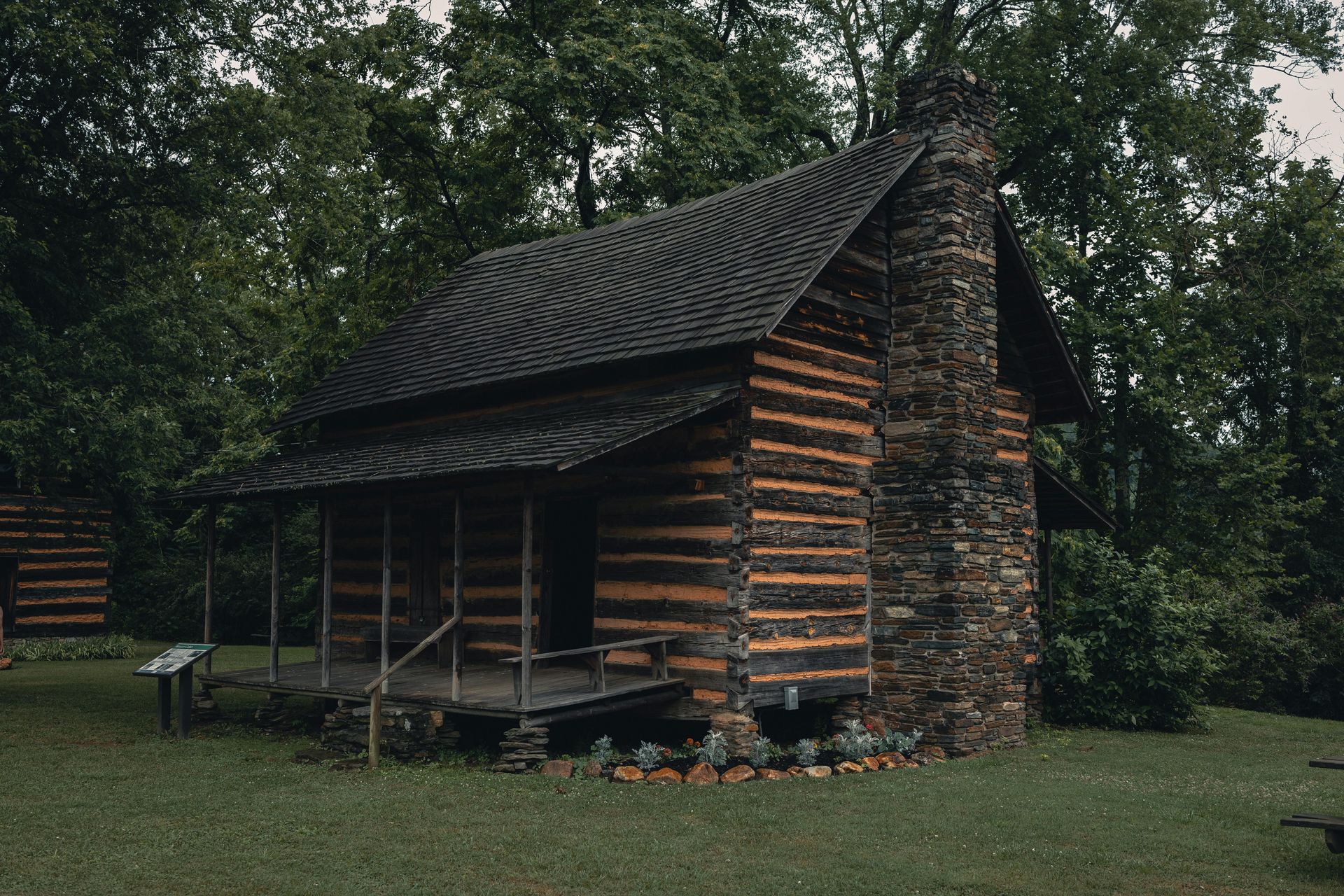
Cabin Rules
Important policies and guidelines to ensure a comfortable stay for all guests. Please review these expectations for noise levels, occupancy limits, pet policies, and property care during your visit.
Arrival & Departure
Essential check-in and check-out information including arrival procedures, key instructions, parking details, and departure guidelines to make your transition smooth and hassle-free.
How To's
Our Step-by-step instructions for operating appliances, accessing amenities, and using house features. Find everything you need to know about WiFi, hot tub, kitchen equipment and more!


Come Again!
Welcome back to Incredible Mountain Cabins for another unforgettable Smoky Mountain experience. Save $150 with promo code ReturningGuest when booking directly.
Cabin Rules
Property Respect
All furnishings, amenities, and decorative items remain property of the cabin and must not be removed from the premises under any circumstances.
Safety Information
Fire extinguishers are located in the kitchen under the sink and upstairs near the bedroom door. Smoke alarms and carbon monoxide detectors are installed throughout the cabin for your safety.
Exterior security cameras are installed at the front of the cabin and operate continuously, recording 24/7 with audio capabilities. These cameras feature pan and tilt functionality to ensure comprehensive visibility across the front of the cabin. Additionally, they are equipped with a cellular backup system in the event of an internet outage.
We kindly ask that you ensure all doors are securely locked when leaving the property.
Bears
Many wildlife call The Great Smoky Mountains home and It is very common to see Black Bears in the neighborhood.
Here is some helpful information from the National Parks Service regarding them:
Warning: Bears are wild animals that are dangerous and unpredictable. Do not approach bears or allow them to approach you!
Willfully approaching within 50 yards (150 feet), or any distance that disturbs or displaces a bear, is illegal.
if you see a bear:
- Remain watchful.
- Do not approach it
- Do not allow the bear to approach you.
- If the bear is at a distance, feeding or walking by, and notices you but continues its natural behavior, no action is needed on your part. Proceed while continuing to observe the bear.
- If your presence causes the bear to change its behavior (stops feeding, changes its travel direction, watches you, etc.) you are too close.
Being too close may promote aggressive behavior from the bear such as running toward you, making loud noises, or swatting the ground. The bear is demanding more space. Don't run, but slowly back away, watching the bear. Increase the distance between you and the bear. The bear will probably do the same.
If a bear persistently follows or approaches you, without vocalizing, or paw swatting:
- Change your direction.
- If the bear continues to follow you, stand your ground.
- If the bear gets closer, talk loudly or shout at it.
- Act aggressively to intimidate the bear.
- Act together as a group if you have companions. Make yourselves look as large as possible (for example, move to higher ground).
- Throw non-food objects such as rocks at the bear.
- Use a deterrent such as a stout stick.
- If you are carrying bear spray, begin to discharge it when the bear comes within 20 yards of you.
- Don't run and don't turn away from the bear.
- Don't leave food for the bear; this encourages further problems.
- Don't discharge a firearm; this can cause a safety hazard for other visitors.
If the bear's behavior indicates that it is after your food and you are physically attacked:
- Separate yourself from the food.
- Slowly back away.
If the bear shows no interest in your food and you are physically attacked, the bear may consider you as prey:
- Fight back aggressively with any available object!
- Do not play dead!
- Remain watchful.
Guest Responsibilities
Toilet paper and trash liners are provided for initial nights only. Additional supplies during your stay are the guest's responsibility.
Prohibited Activities
- No pets permitted
- No smoking anywhere on the property
- No parties or events
- No food or beverages in bedrooms
- No pets permitted
Hot Tub Guidelines
Hot tub use is at your own risk. Maximum temperature setting is 100°F. Cover must remain secured with all four corner latches when not in use.
Management is not liable for injuries related to hot tub usage.
Plumbing
Only toilet paper may be flushed down toilets. All other items must be disposed of in trash receptacles.
Occupancy Policy
Maximum occupancy is 6 people.
Unregistered guests and visitors are not permitted.
Violation of these rules may result in immediate removal from the property and forfeiture of rental fees.

Arrival & Departures
To ensure smooth arrival and departure for all guests, please follow these essential check-in and check-out procedures:
Pre-Arrival
You will enjoy a seamless check-in experience using our smart lock system!
48 Hours prior to your arrival, you will receive a unique access code that allows you to check yourself into the property.
Please ensure you have this code before you set off on your journey. If you have not received it, contact us immediately.
For any issues that may arise after hours, please contact us at (865) 325-0862. Please note that messages sent via booking platforms after hours may not be addressed until the following day.
Check In
Your check-in time is scheduled between 4:00 PM EST and 11:59 PM EST.
If you anticipate arriving outside of these hours, we kindly ask that you inform us in advance so we can make the necessary arrangements.
Please be advised that early check-ins are generally not feasible due to the departure of prior guests on the same day.
Please note that your unique access code will not be operational prior to the designated check-in time.
Check Out
Check out is at 10:00am EST the day of your departure. The cleaning crew arrives shortly after 10:00am to prepare for the next guests.
To make your check out easy, we ask you please review the following checkout procedures & let us know if you have any questions:
- Please leave linens on beds and all towels in the bathroom.
- Please empty fridge, freezer and cabinets of any personal items.
- Please remove any and all left over food and drinks.
- Do not leave any items behind that you carried into the cabin.
- If you have items inside the dishwasher, please start the wash cycle the night before you leave.
- Please turn off all TVs, lights and fans
- Please lock all doors.
- Please leave linens on beds and all towels in the bathroom.
Parking
We offer free driveway parking on the premises with space for two vehicles.
Find Us
947 East Fir Street Sevierville, TN 37876
The route to The Lazy Buffalo is straightforward, with all main roads paved, well maintained, and without steep grades. We do suggest arriving during daylight or dusk — especially on your first visit — for better visibility and peace of mind.
Cabin How To's
Wifi
The cabin is equipped with high speed wifi. You may connect to the network with the credentials listed below:
WiFi Network Name: RELAX
Password: 11994488
Internet Speed: 100 Mbps, verified by speed test.
Climate Controls - Main Floor
To Adjust the Temperature:
-Press the + button to raise the temperature.
-Press the – button to lower the temperature.
The large number shows the current room temperature.
The smaller number labeled “Set At” shows the temperature the system is set to.
To Turn on Heat or A/C
Use the switch on the bottom right:
COOL = Air conditioning
HEAT = Heat
OFF = System off
EMH = Emergency heat — please do not use unless instructed.
Fan Settings
Use the switch on the bottom left:
AUTO = Fan runs only when heating or cooling
ON = Fan runs continuously
For normal use, please leave the fan set to AUTO.
Recommended Settings:
For cooling, set between 70–74°F
For heating, set between 68–72°F
Please do not set the thermostat extremely high or low, as this can cause the system to run continuously without heating or cooling faster.
Climate Controls - Second Floor
Use this remote to control the wall-mounted A/C unit.
Turn the Unit On or Off
- Press the red power button to turn the A/C on.
- Press it again to turn the unit off.
Set the Temperature
- Press Temp + to raise the temperature.
- Press Temp – to lower the temperature.
- The screen shows the set temperature.
Choose a Mode
Use the mode buttons:
- Cool = Air conditioning
- Heat = Heating
- Dry = Removes humidity
- Fan = Fan only, no heating or cooling
- For normal cooling, press Cool.
Fan Speed
- Press Fan to change the fan speed.
- Press Turbo for faster cooling or heating.
Air Direction
- Press Swing to move the air vent up and down.
- Press Swing again to stop it where you want it.
Helpful Tips
- Keep doors and windows closed while the unit is running.
- Please do not set the temperature extremely high or low. It will not heat or cool faster and may cause the unit to run continuously.
- Recommended cooling setting: 70–74°F
- Recommended heating setting: 68–72°F
TV's
Each tv in the home is Roku equipped and is connected to the home's wireless network. Each tv should be set to guest mode upon your arrival.
With Roku guest mode, you can sign in to your subscription channels using your own account credentials. Your login information will be automatically removed from the device on the departure date you specify, so you and your guest can safely access your own subscription channels and not have to worry about signing out before your departure.
The first time you turn on the television it may take up 2 minutes to regain a wifi connection before it allows you to enable guest mode.
Hot Tub
The hot tub is cleaned and refilled after each stay. It takes 8-10 hours to heat to 100°F, so it may not be ready until late evening on check-in day.
If the water temperature in the hot tub has not reached 100 degrees after your first night in the cabin, please follow these troubleshooting steps:
- Lift the cover on the far side of the hot tub to access the control panel.
- Check the current temperature display. The last measured water temperature is continually displayed, but please note that this reading will only be accurate if the pump has been running for at least one minute.
- Replace the cover on the hot tub and allow time for the water to heat up to the designated temperature.
This hot tub is equipped with a 2-speed pump:
- Press “Jets” to turn the pump on or off, and to switch between low and high speeds.
- If left running, the pump will automatically turn off after a preset duration: 2 hours for low speed and 15 minutes for high speed. The low-speed setting may operate automatically at times, during which it cannot be deactivated from the panel; however, the high-speed setting can still be utilized.
How to adjust the temperature:
- Press the “Warm” button to increase the temperature. the display will begin to show the current set temperature
- Press the "Cool” button to decrease the temperature.